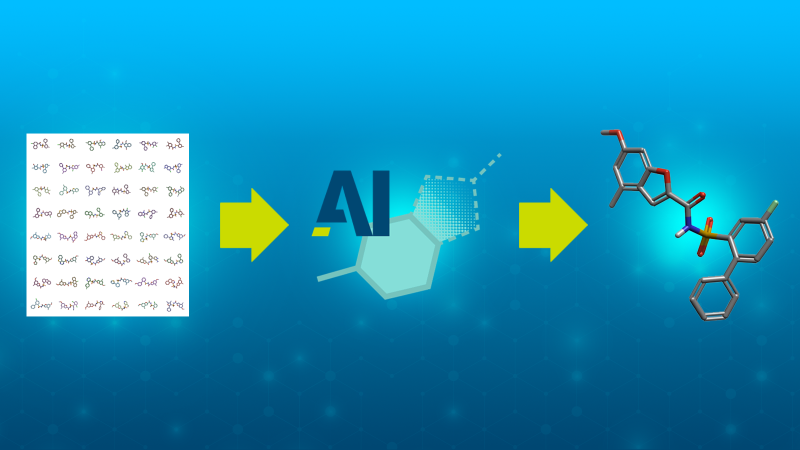
Scientists can now connect company-approved AI providers such as Claude Code and GitHub Copilot directly to Flare™, helping teams set-up complex computational chemistry workflows, write scripts, analyze results: in minutes, not hours.
The new AI Client in Flare V13 enables you to work with Flare using natural language.
Connected to an AI provider of your choice, such as Claude Code or GitHub Copilot, the AI Client understands the content of your current Flare project, so it can act on your ligands, proteins and calculations.
Rather than navigating tabs and options, describe what you want to achieve, and the AI Client performs your instructions directly in the current Flare project. It can set up and launch calculations, explain results and automate routine tasks allowing you to focus on the science rather than the software. Behind the scenes, the AI Client gives your AI provider access to all the Flare capabilities exposed through the Flare Python API.

From scientific intent to scientific workflow
Want to dock a set of ligands into a prepared protein, explain what a contact fingerprint is telling you, or set up and launch an FEP calculation? Simply ask. The AI Client will configure and run the required workflow inside Flare, reducing manual intervention, the need for repetitive setup, and helping you become more productive more quickly.
The AI Client is just as useful when you are ready to analyze your results. It can generate plots, write up a summary for your team, and even suggest next steps, turning time-consuming manual charting and write-up into a quick conversation with your coding assistant.
The same applies to scripting: the AI Client can generate scripts to automate and streamline a wide range of Flare workflows, which run directly in Flare through the Python Interpreter, or from the command line with PyFlare. For example, you can generate scripts to set up and run calculations, create new Flare extensions, rapidly analyze results. Its answers are grounded in Flare’s own manual and API documentation, which it searches and cites as it works.
Your AI, your rules
Worried about data security? No need to be.
- Choose your AI provider. The AI Client in Flare supports Claude and GitHub Copilot, and can connect to other popular AI providers.
- Keep control of your data. No data is sent to Cresset. Only the company-approved AI provider you choose receives the information needed to respond to your request.
- Set the permissions. You decide what your AI provider is allowed to access and do through the AI Client.
- Available at no additional charge. The Flare AI Client is included with all Flare licensing levels.
Natural language meets Flare
Flare has always been designed to make molecular modeling accessible to scientists. The Flare AI Client introduces a new way to interact with Flare through the AI provider of your choice. Whether you are setting up calculations, analyzing results, or generating useful scripts, natural language offers a more direct, intuitive way of accessing Flare’s capabilities.
Upgrade to Flare V13. Discover a faster, more intuitive way to work with Flare.

Enterprise-ready by design
• Connect to company-approved AI provider
• No data sent to Cresset
• User-controlled permissions
• Available for all Flare licensing levels